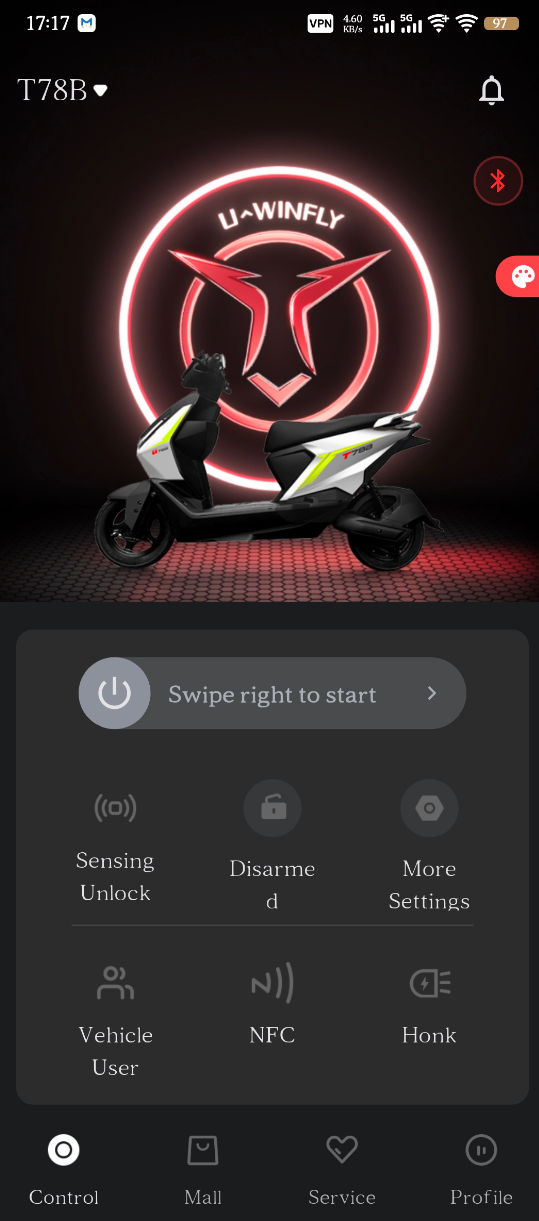
T78B · Vehicle Binding Guide
APP Vehicle Binding Guide
APP Vehicle Binding Guide:
Enable full smart functions and personalize your vehicle settings.
Vehicle Binding Steps:
① Search for and download [Uwinfly APP] from the App Store (iOS) or Google Play (Android).
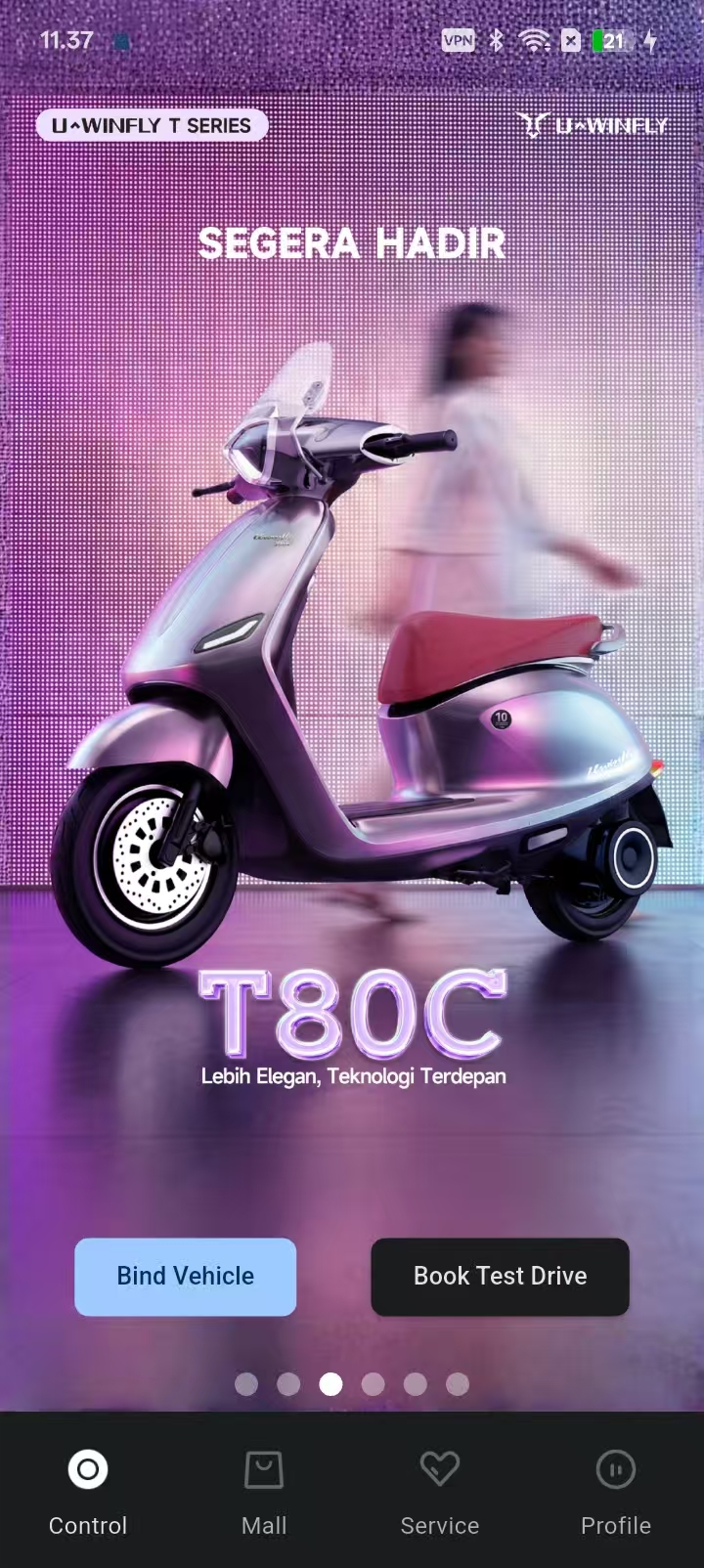
② Open [Uwinfly APP], tap [Register] / [Log in] to sign in, go to the [Control] section, and tap [Bind] to start binding your vehicle:
③ Scan the VIN (vehicle identification number) on the vehicle label, upload pictures:
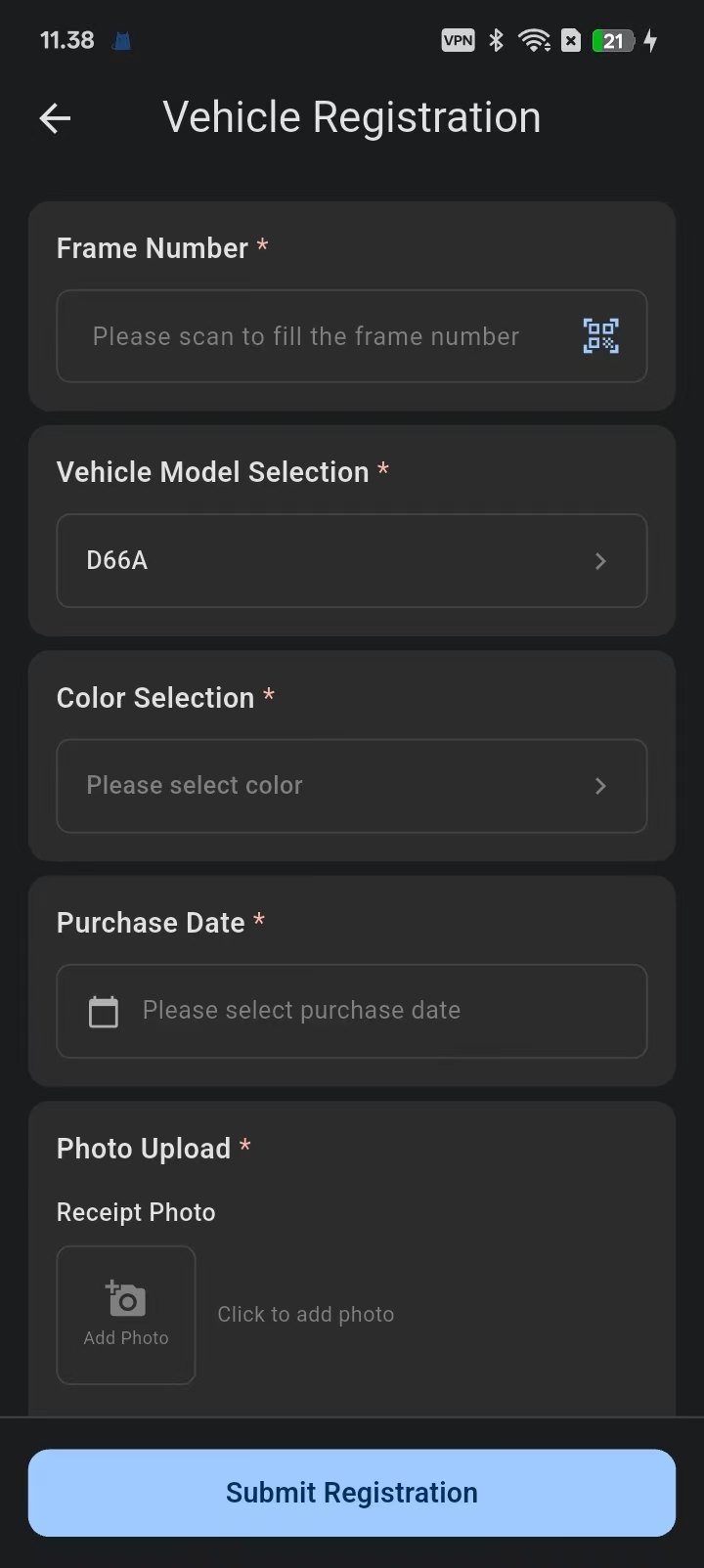
④ After successful submitted, the vehicle will be automatically bound: