Family Sharing
Family Account Management:
As the vehicle owner, you can easily share your vehicle with family and friends.
Owner Operations:
① Before proceeding, ensure that the vehicle has been successfully bound to the owner’s account.
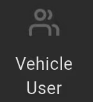
② Go to the [Control] section, scroll down, and tap to enter the [Vehicle User] settings interface.
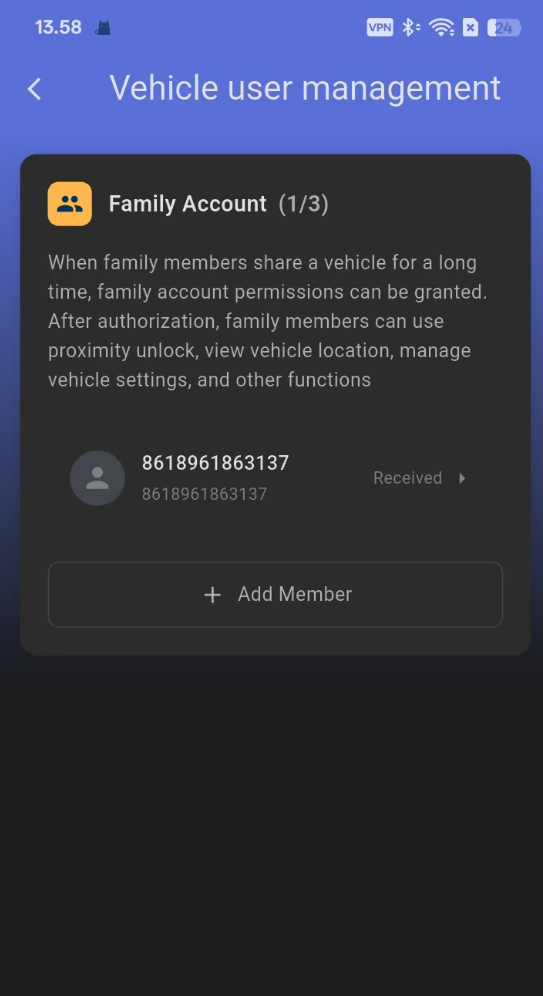
③ Tap the [Add Member] button to add a family member.
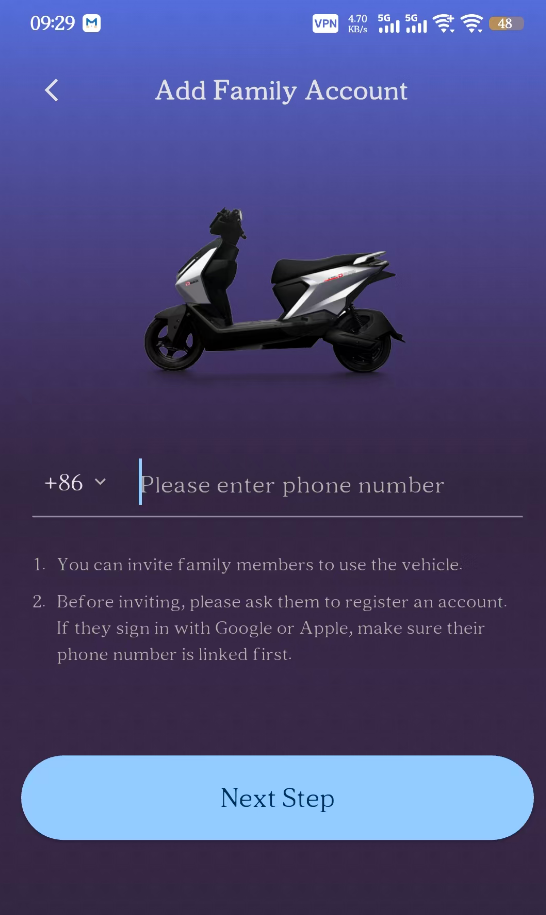
④ Enter the target person’s mobile account and tap [Next].
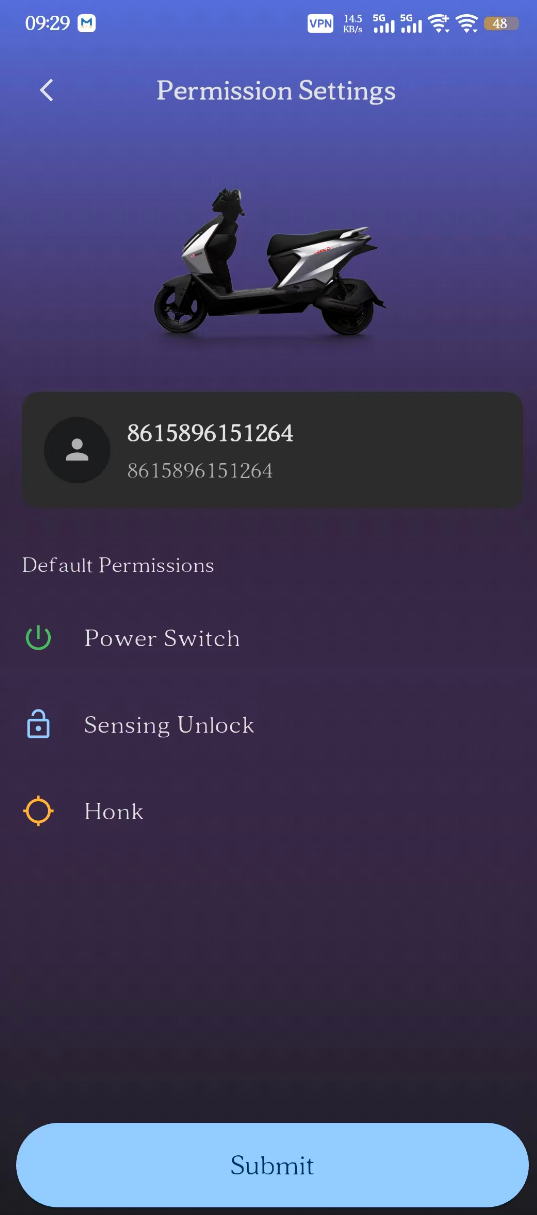
⑤ Confirm the information and tap [Submit].
Recipient Operations:
① The recipient opens [UWINFLY APP] and receives a sharing invitation.
② Click [Accept]
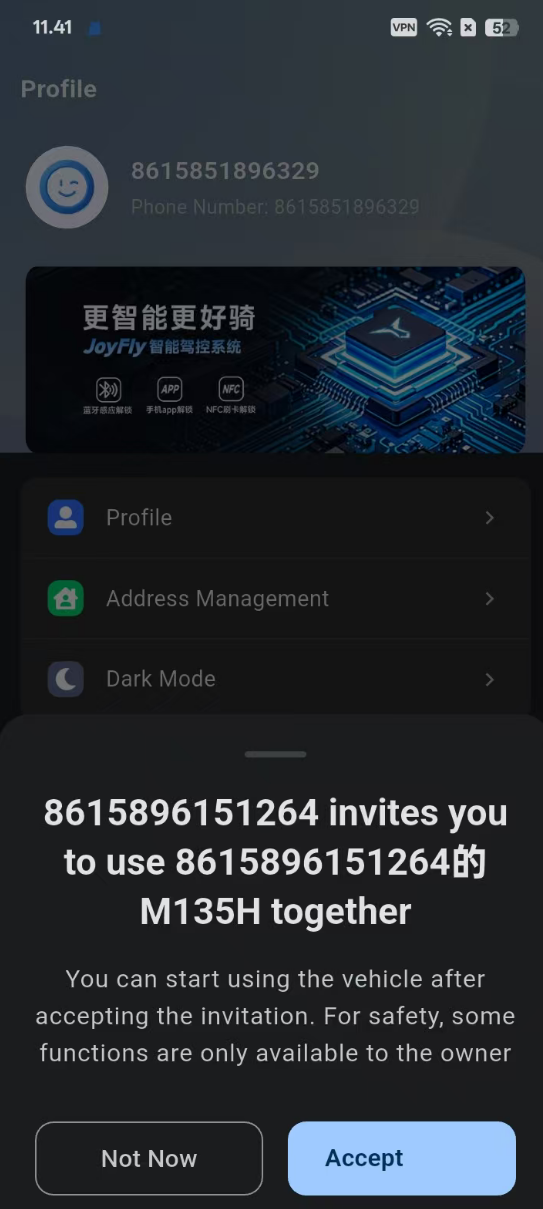
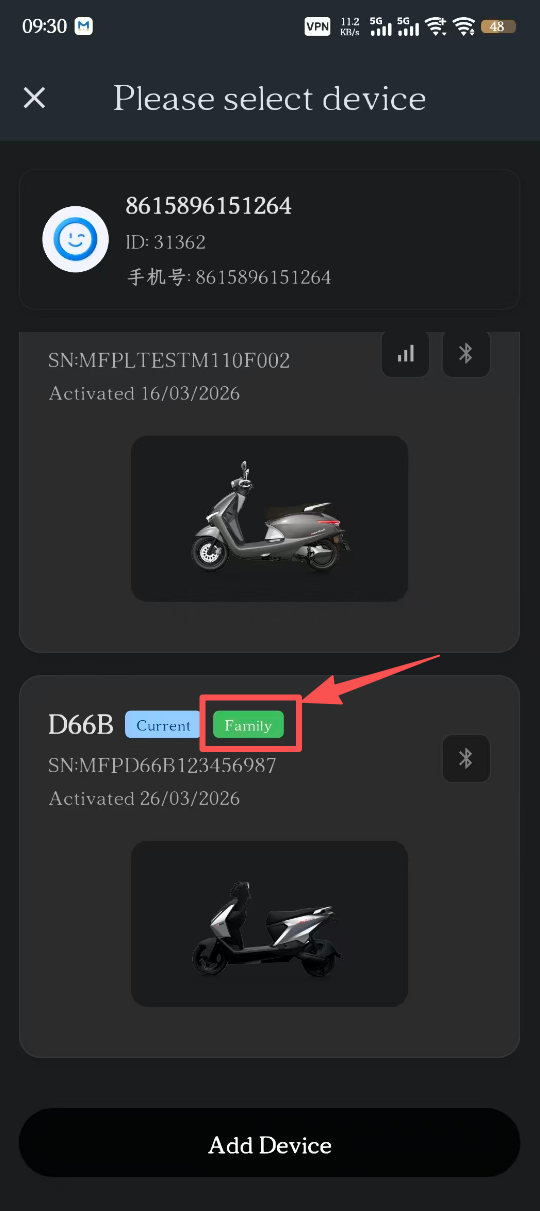
③ This vehicle will be added to the target family's account , and marked as [family], the family can use it now
TIPS:
① The recipient needs to download [UWINFLY APP] in advance, register an account, and ensure their mobile number is entered in their profile.
② The first user who binds the vehicle is the vehicle owner.
③ Only the vehicle owner can add or remove family account members.