Add a new NFC card
Add NFC Card Settings:
You can quickly add a new NFC card, giving it the ability to control the vehicle.
User Guide:
① Approach the vehicle, turn on your phone’s Bluetooth, and open the APP.
② Go to the [Control] section and check whether Bluetooth is connected in the upper‑right corner.
③ After Bluetooth successfully connects, scroll down to enter the [NFC] page.

④ Read the operation prompts and tap [Next].
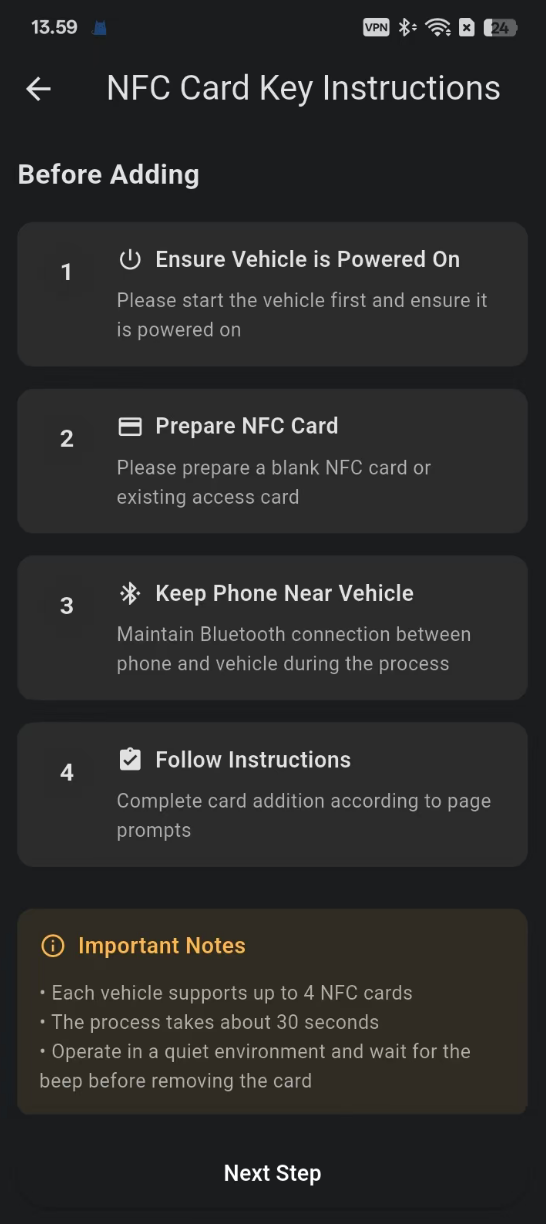
⑤ Tap the [Add] button to start the process.
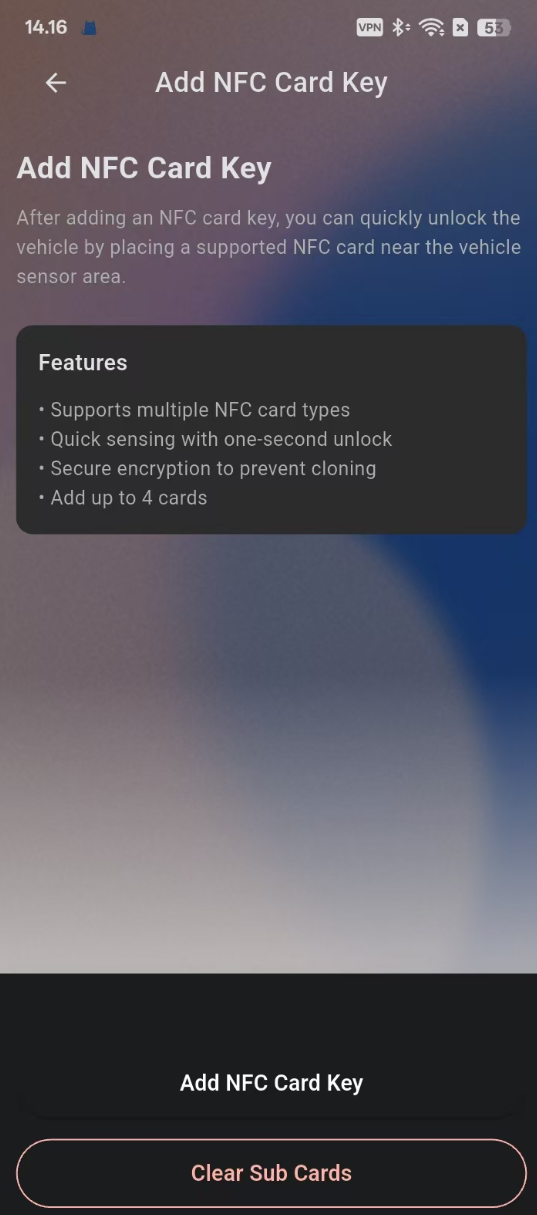
⑥ Quickly place the new card onto the instrument panel’s NFC sensing area.
⑦ When you hear a “beep beep” sound from the instrument panel, the addition is successful.
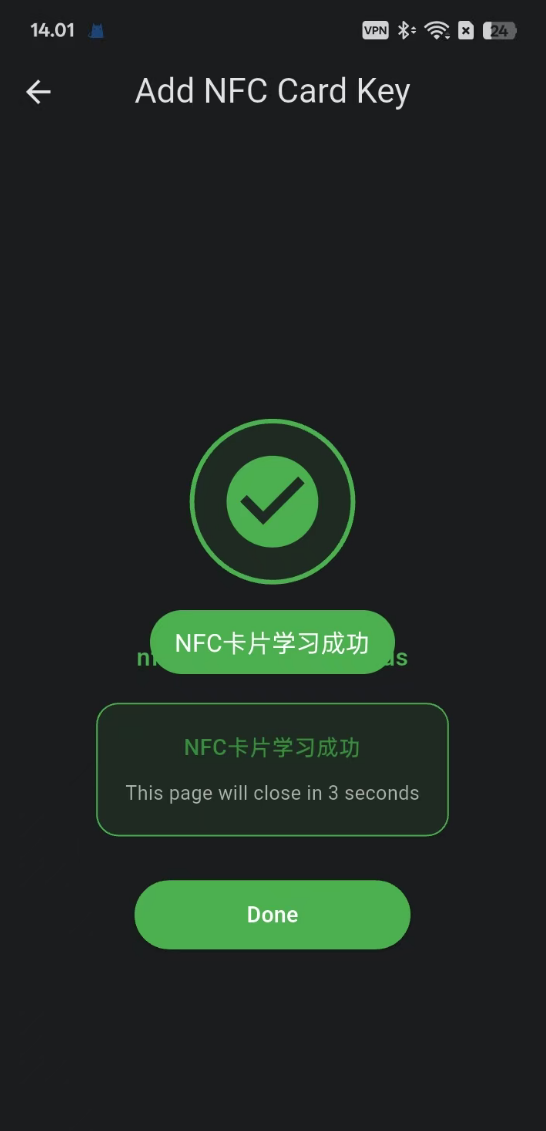
⑧ After successful addition, you can use the new card to control the vehicle.
TIPS:
① This function is only available to the vehicle owner’s account.
② A vehicle can have up to 4 NFC cards added. If the limit is exceeded, the earliest NFC card will be overwritten.