D66I · Smart Dashcam
View Live Video
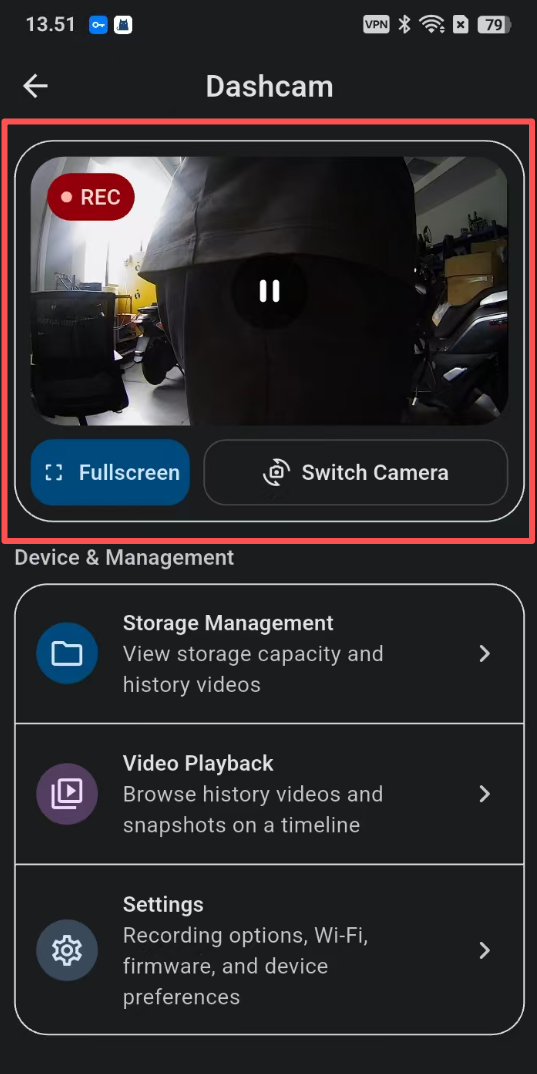
① Open the APP and go to the [Dashcam] section.
② The live feed from the camera(s) will appear automatically.
③ Tap [Full Screen] to enlarge the view.
④ Tap the camera icon to switch between front and rear views.
TIPS: Make sure your phone stays connected to the dashcam’s Wi‑Fi to watch the live feed.