D66I · Smart Dashcam
History Video Playback
① Open the APP and go to the [Dashcam] section.
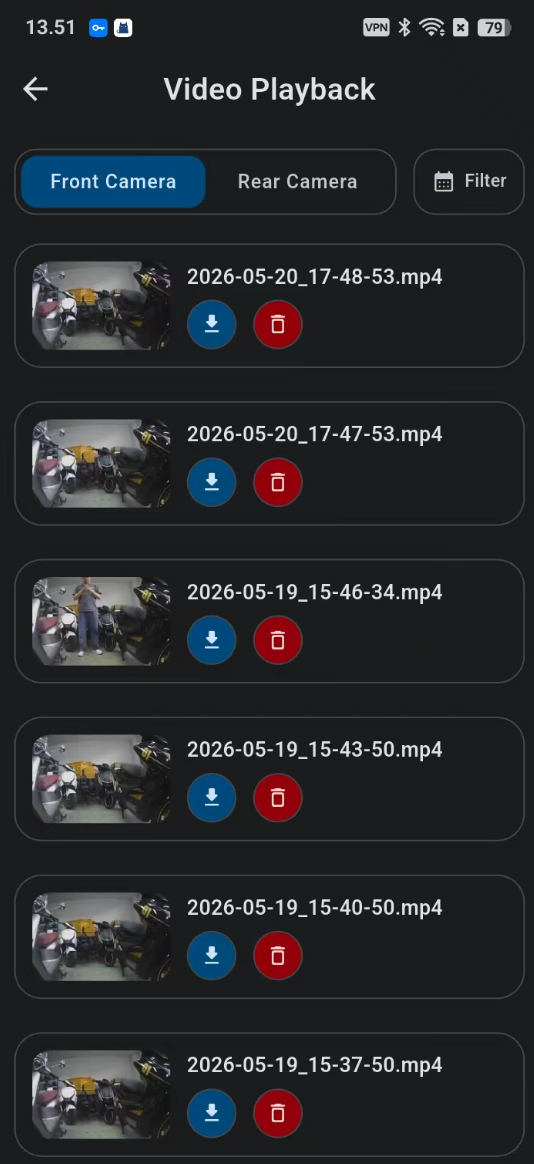
② Tap [Video Playback].
③ Select a date and time from the timeline.
④ Tap a video file to start playback.
⑤ Tap [Export] to save the video to your phone’s gallery.
TIPS: A TF card must be inserted in the dashcam to store recordings.