Delete NFC cards
Delete NFC Cards Settings:
If you need to disable certain NFC cards, you can use this function to delete them.
User Guide:
① Approach the vehicle, turn on your phone’s Bluetooth, and open the APP.
② Go to the [Control] section and check whether Bluetooth is connected in the upper‑right corner.
③ After Bluetooth successfully connects, scroll down to enter the [NFC] interface.

④ Read the operation prompts and tap [Next].
⑤ Tap the [Delete NFC Cards] button to start the process.
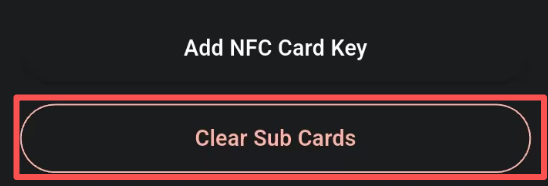
⑥ When you hear a “beep beep” sound from the instrument panel, the deletion is successful, and all NFC cards will no longer be usable.
TIPS:
① This function is only available to the vehicle owner’s account.
② Deleting a specific NFC card is not supported; only bulk deletion of all cards is possible. After clearing, you can tap the [Add NFC Card] button again to register new NFC cards.