Lost Mode
Lost Mode:
If your vehicle is misplaced or stolen, you can remotely lock it by enabling Lost Mode, restricting vehicle usage and helping track its location to increase the chances of recovery.
Setup Steps:
① Open the APP and go to the [Control] section.
② Make sure the vehicle is online (4G signal is normal).
③ Scroll down and find the [Lost Mode] option, then tap to enter.
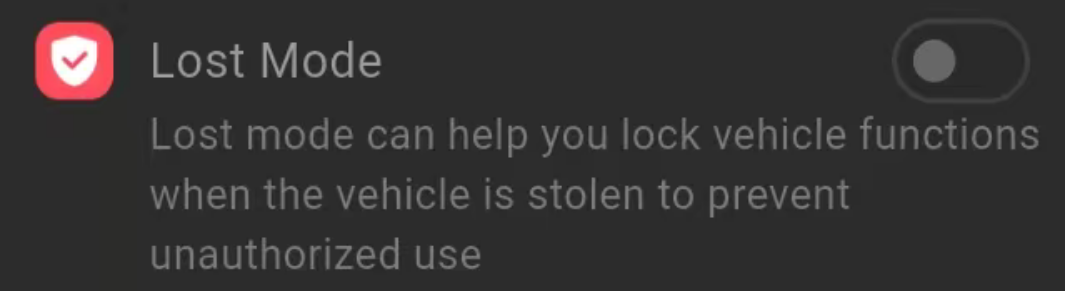
④ Tap [Enable] to activate Lost Mode.
⑤ After successful setup, the vehicle will be remotely locked and cannot be unlocked by keys.
TIPS:
① This function is only available to the vehicle owner’s account.
② Before enabling Lost Mode, ensure that the vehicle is equipped with a Cloud Box and is within network coverage.
③ Once enabled, the vehicle cannot be started or ridden normally, and the APP will continue to track its location.
④ After recovering the vehicle, go to the [Lost Mode] page, tap [Disable] to restore normal use.
⑤Cloud Box must be installed to obtain this feature