Accurate Real-Time Positioning
Accurate Real-Time Positioning:
Real-time positioning with clarity and accuracy, ensuring worry-free vehicle security.
Operation Instructions:
① After successfully binding the vehicle, open the APP and go to the [Control] section.
② Scroll down the page and tap the [Location] module to enter vehicle positioning.
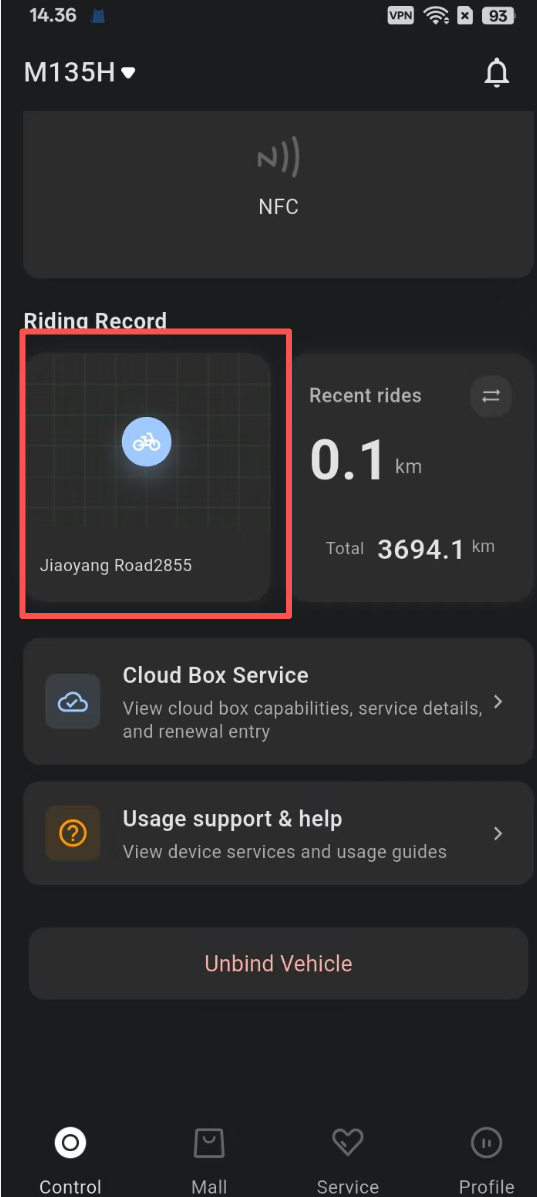
③ Three‑network positioning ensures the vehicle’s location is clear and accurate.
④ In the vehicle positioning view, you can zoom in and out to check the vehicle’s exact location.
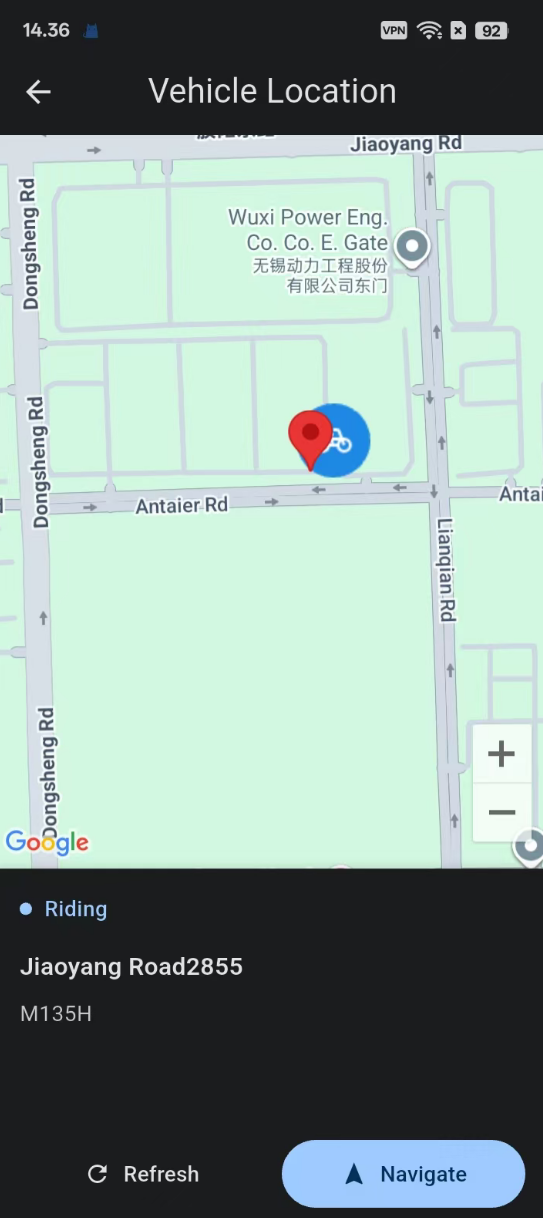
⑤ [Navigate to Vehicle] — redirects to a third‑party map app to plan a route to your vehicle.
TIPS:
①Cloud Box must be installed to obtain this feature
② If the vehicle is accidentally lost, use it together with [Lost Mode] to find your vehicle more quickly and easily.