M135H · GPS Positioning
Riding Record
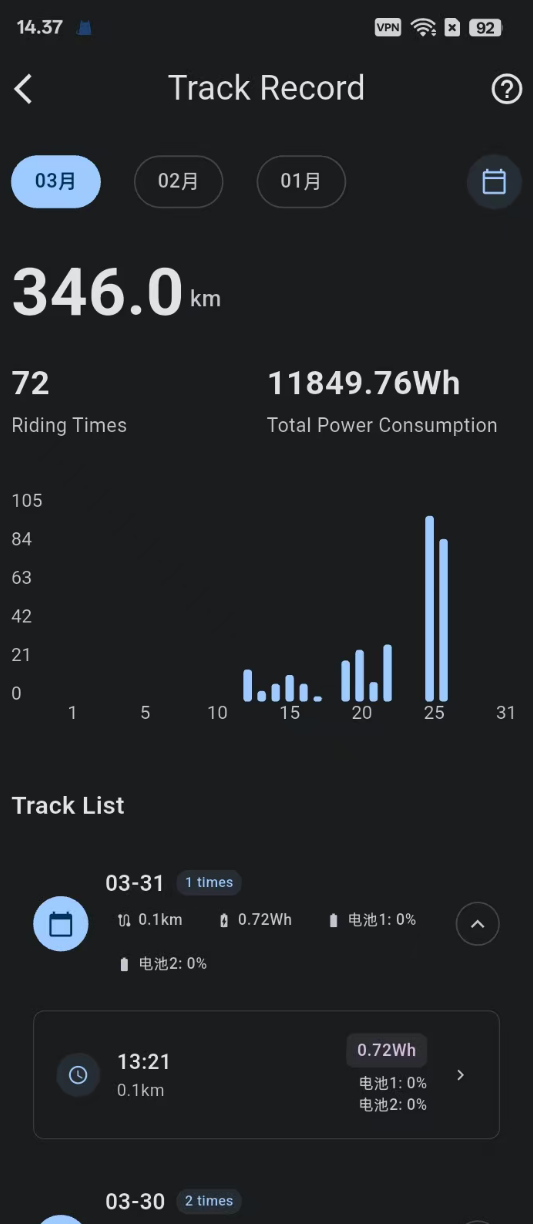
Riding Record Statistics:
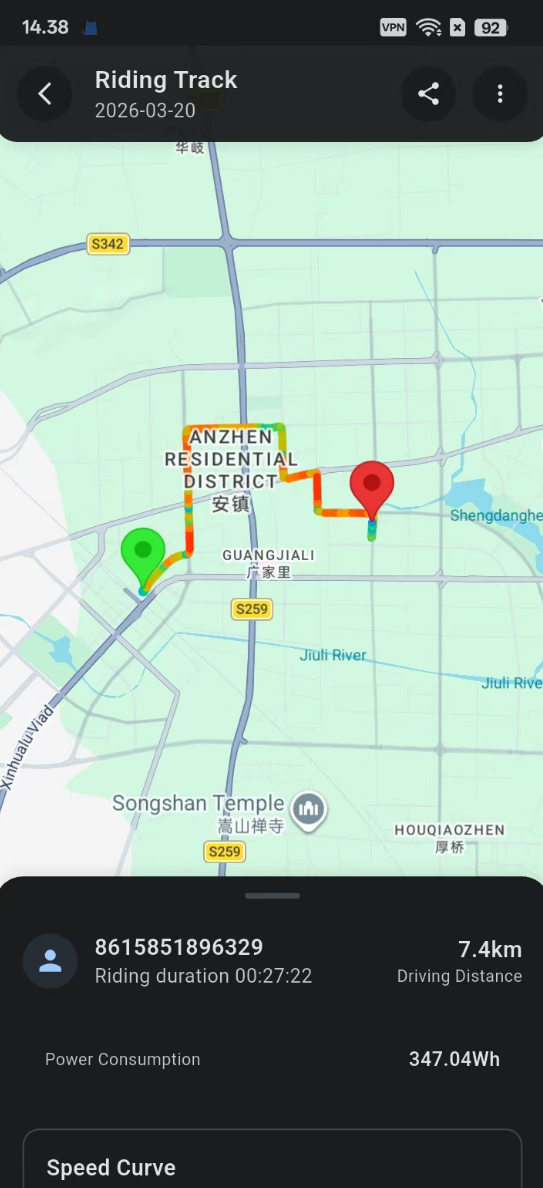
Records detailed data for each ride, helping you understand your riding habits and vehicle energy consumption.
How to View:
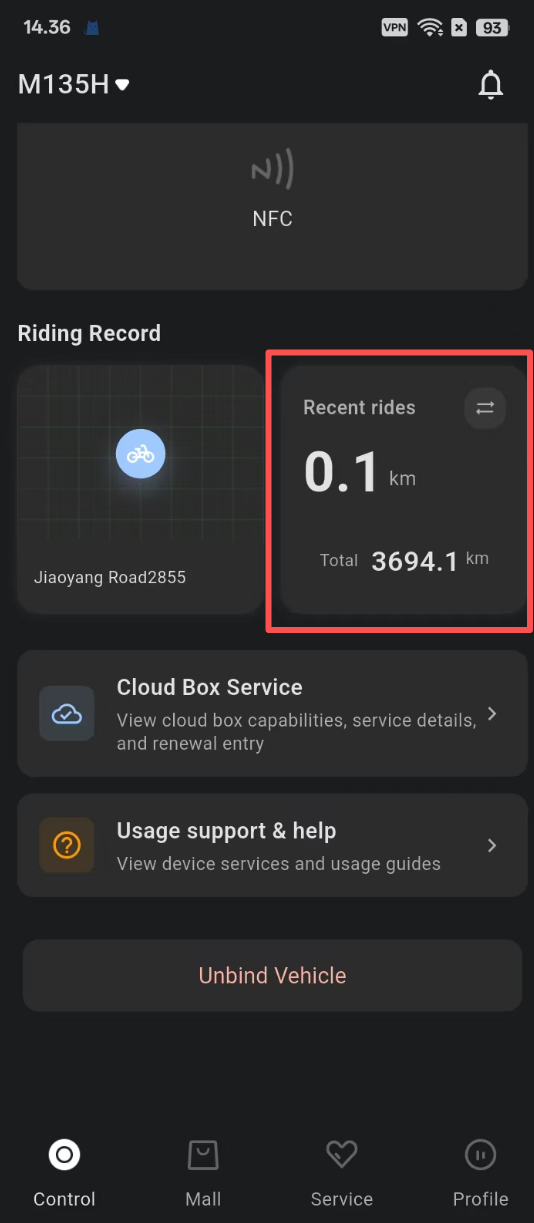
① Open the APP and go to the [Control] section.
② Scroll down the page and tap the [Recent Rides] entry.
③ Select a specific ride record to view its duration, distance, energy consumption, speed curve, and route map.
TIPS:
①Cloud Box must be installed to obtain this feature