M135H · GPS Positioning
Share On Social Media
Riding Record Sharing:
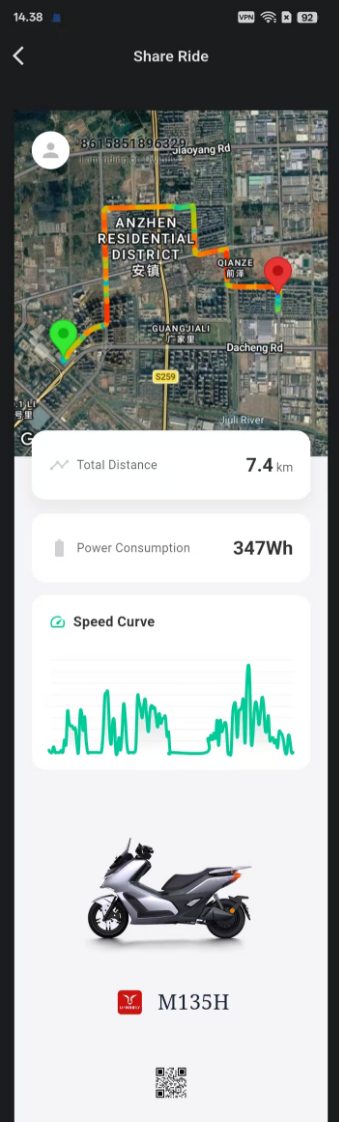
Generate a riding poster with one tap and easily share it on social media to capture every wonderful journey.
Steps:
① Open the APP and go to the [Control] section.
② Scroll down the page and tap the [Recent Rides] entry.
③ Select a riding record, then tap the [Share] button at the top of the page.

④ The system automatically generates a beautifully designed poster containing the riding data and route map.
⑤ Choose a sharing channel (Facebook / Instagram / etc.) to complete the post.
TIPS:
①Cloud Box must be installed to obtain this feature